My Attempt At Making A Screen Cast Image Accessible & Using Headings.
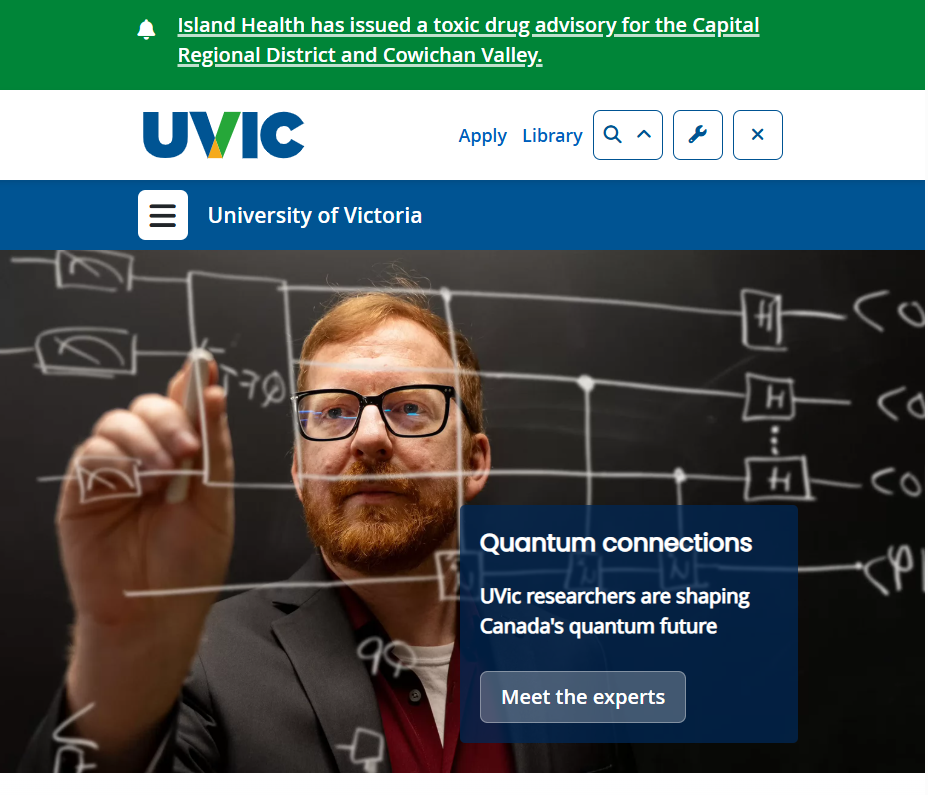
screen cast Image made accessible. I took this screenshot from Home – University of Victoria on 2026-02-28.
I think many digital accessibility practices are not very well‑known because people often assume technology just works for everyone, and they do not realize how many barriers some users face. I also feel that accessibility can seem technical or overwhelming, so it does not get taught or talked about enough in everyday settings. Because of this, it is easy for people such as designers, teachers, and students. who use technology everyday to overlook simple steps like using clear headings that would make digital spaces easier to understand for everyone.
Something else that stood out to me this week was why is it important for educators to think about accessibility when they are creating digital learning materials.
I think it is important for educators to think about accessibility because students learn in different ways, and relying only on text can make it harder for some people to understand the material. When teachers include links to videos, audio clips, or interactive tools, it gives students more than one way to take in information, which makes learning more flexible and inclusive. I have seen this in practice when I have taught a lesson. The students are much more intrigued and willing to learn when I have videos and fun interactive games for them to play. I think that videos can explain ideas that are confusing in writing, and they help students who learn better by seeing or hearing something instead of just reading it. I have also personally noticed this in my own classes sometimes a short video helps me understand a concept much faster than a long paragraph, and it keeps me more focused. Using different formats makes the learning experience clearer, more accessible, fun, and welcoming for everyone.